Test another location
Make Android provide a different location so you can see what changes without being physically there.

GPSwitch · Android · mock location
Choose any point on the map or simulate a complete route from your Android phone. Control location, movement, speed and stops.
GPSwitch lets you test locations and routes without physically travelling. It does not share your location by itself: what other apps show depends on how each app uses the location Android provides.
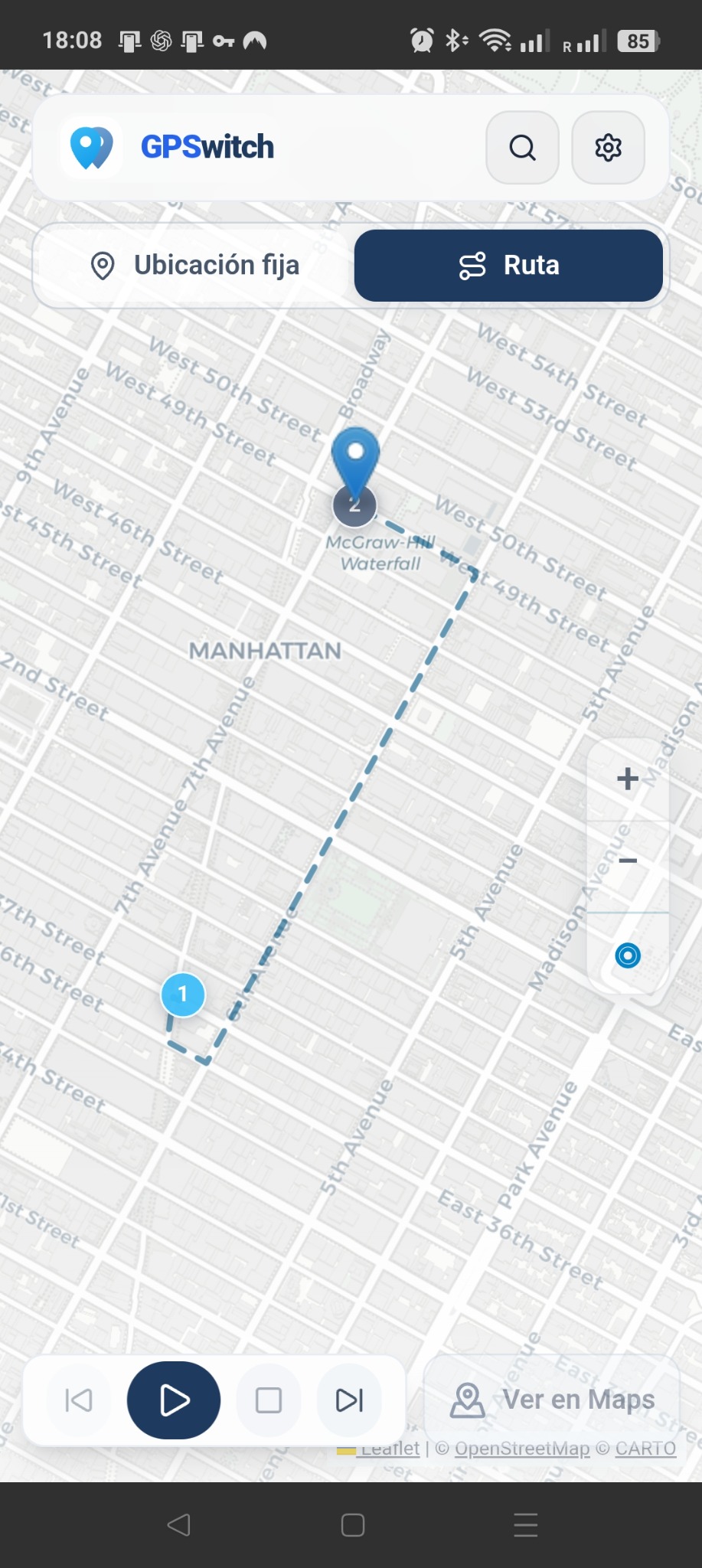
Route running.Real GPSwitch screen on Android.
Why GPSwitch?
Sometimes you need to test, demonstrate or repeat a location scenario without travelling there. GPSwitch makes that simple and repeatable.
Make Android provide a different location so you can see what changes without being physically there.
Simulate movement across several points and see how an app responds along the way.
Validate maps, travel, mobility, geofencing or other flows that depend on device location.
Repeat location scenarios without moving devices around the city. Ideal for functional testing and technical demos.
Show how an app behaves in Madrid, New York or anywhere else without travelling there to record it.
Save locations and routes so you can rerun the same conditions whenever you need to compare results.
See it in action
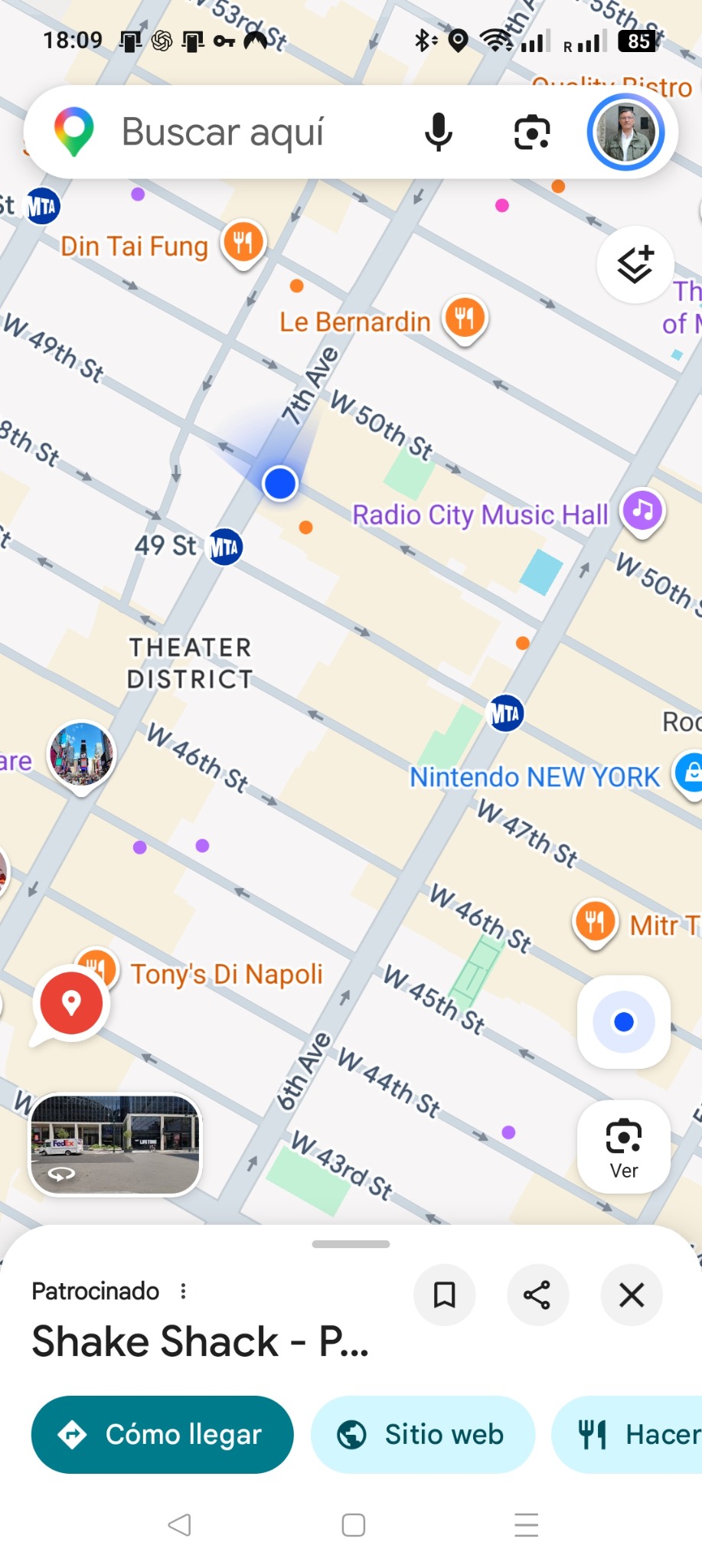
In this real recording, GPSwitch runs a route while a map app reflects the changing position. Split screen lets you see both at the same time.
Google Maps is shown only as a visual example of a real test. GPSwitch is not affiliated with Google and does not guarantee the behaviour of third-party apps.
GPSwitch + MapsMovement visible on both screens.
Features
Search for a place, select the point and start simulation. Then check how that location is reflected in another app that uses the device position.
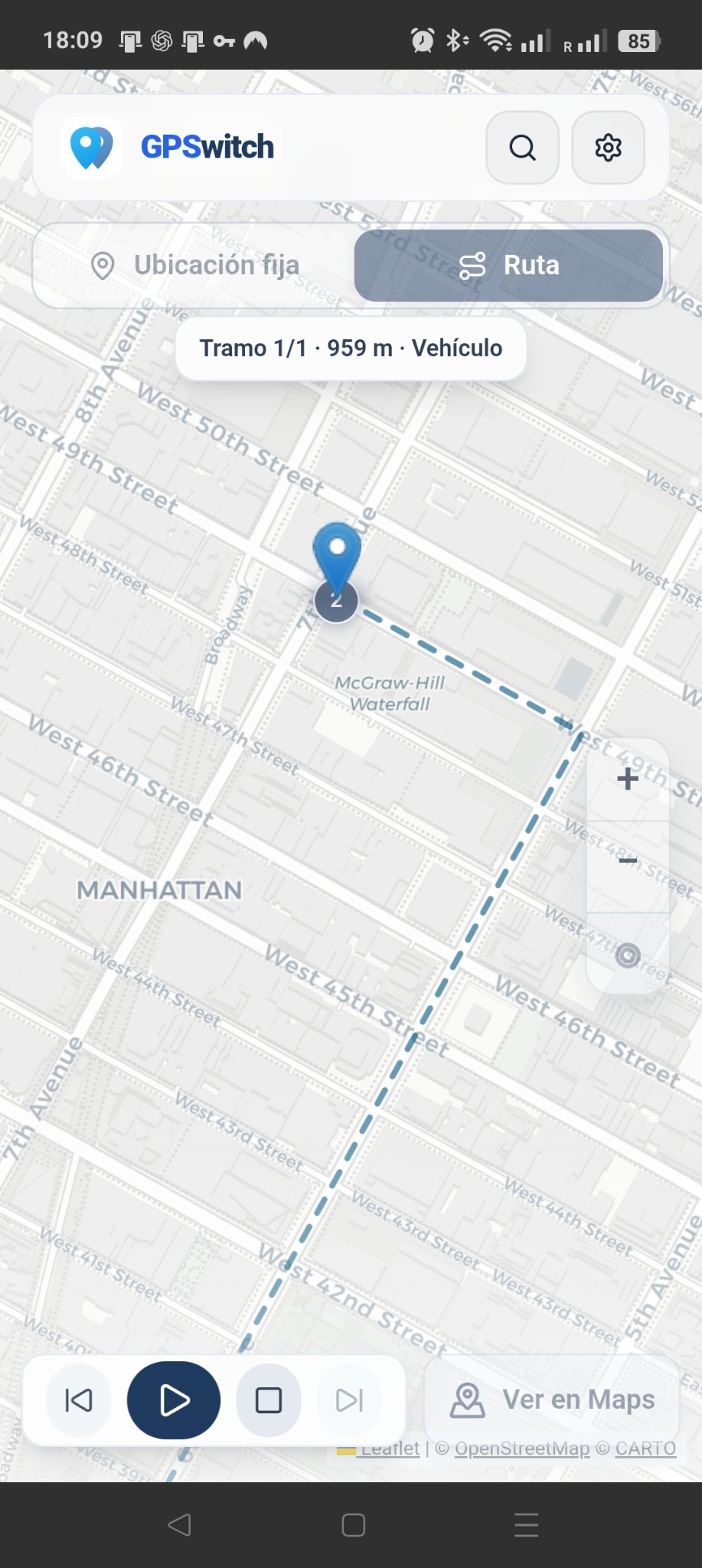
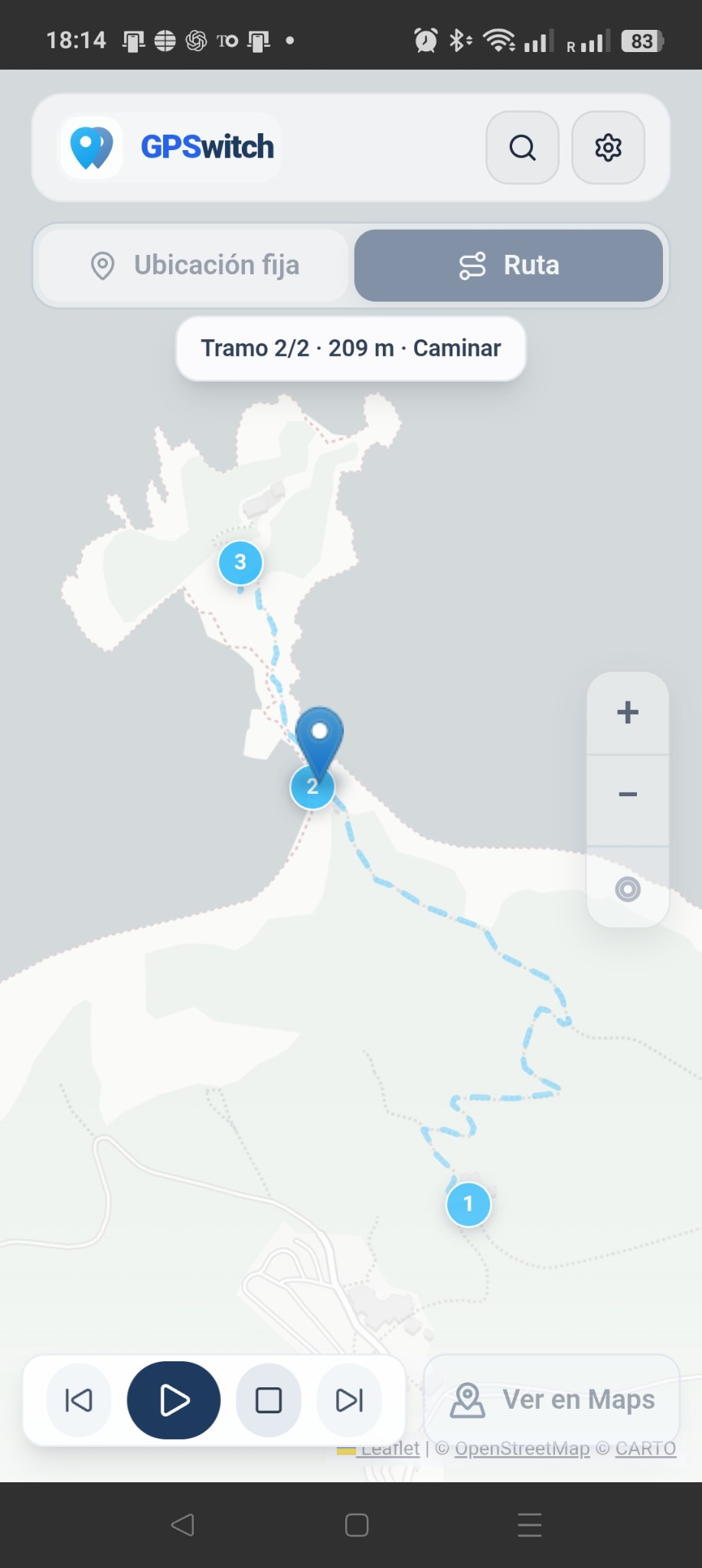
Add points to the map, define the route and play it. The location changes as the simulation progresses.
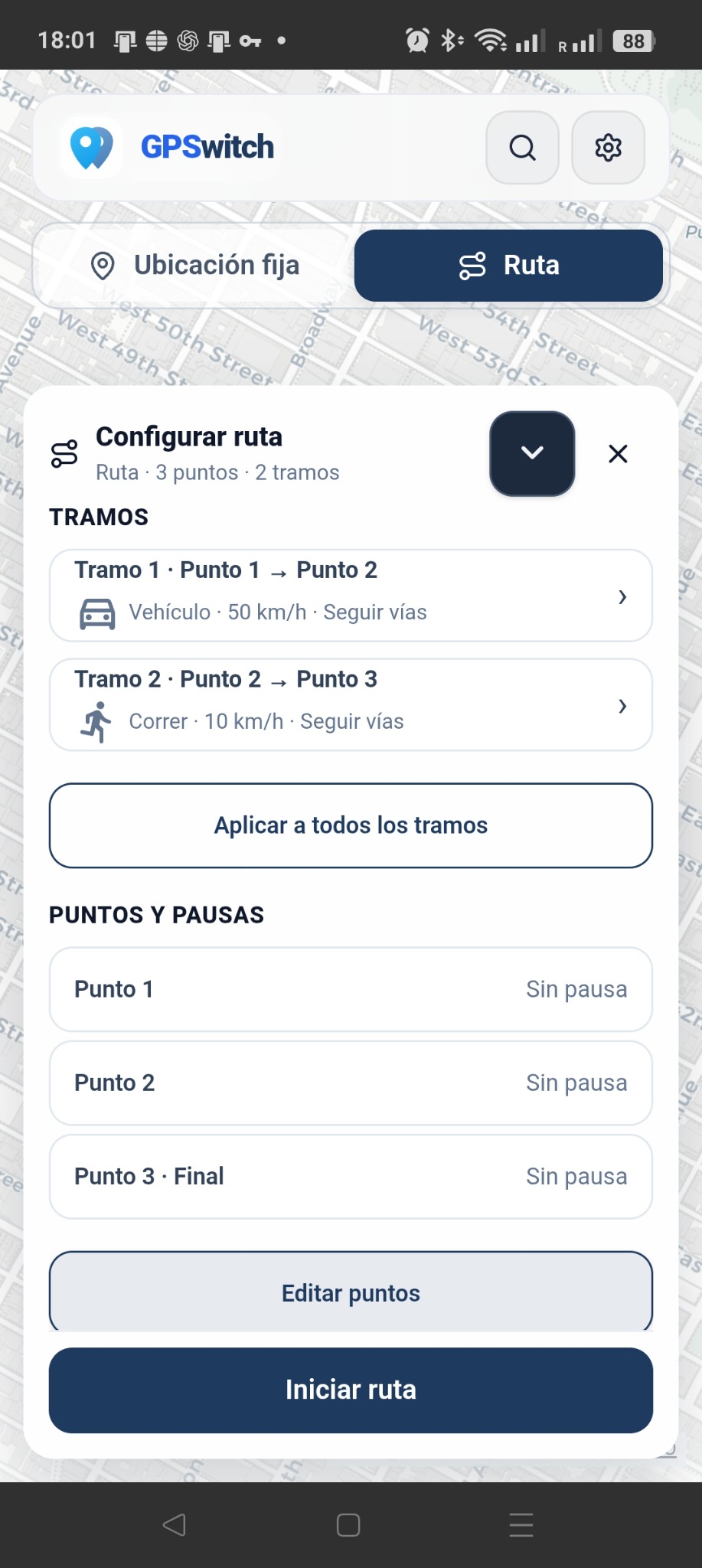
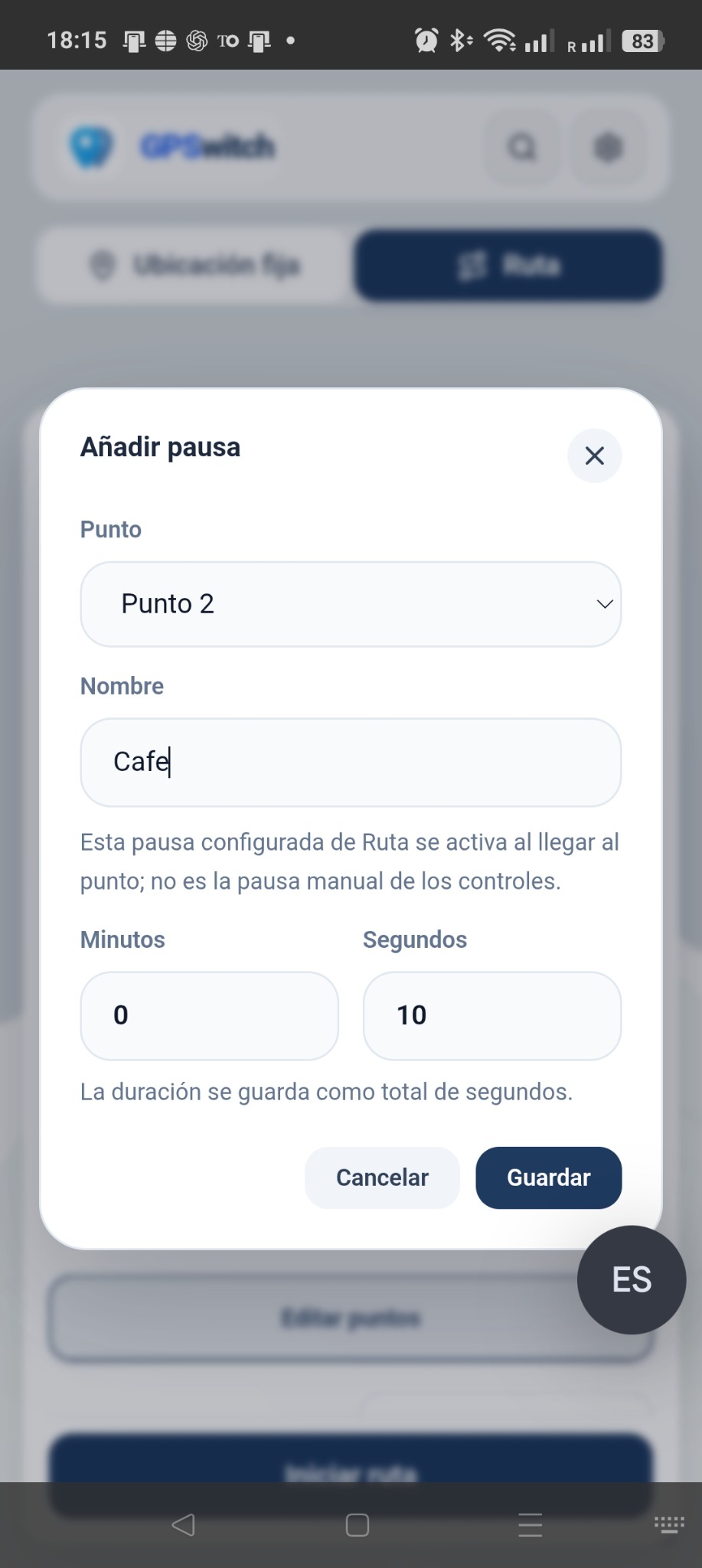
Not every route has to behave the same way. Set the movement speed and add stops at specific points. Premium extends control with advanced features such as speed by segment.
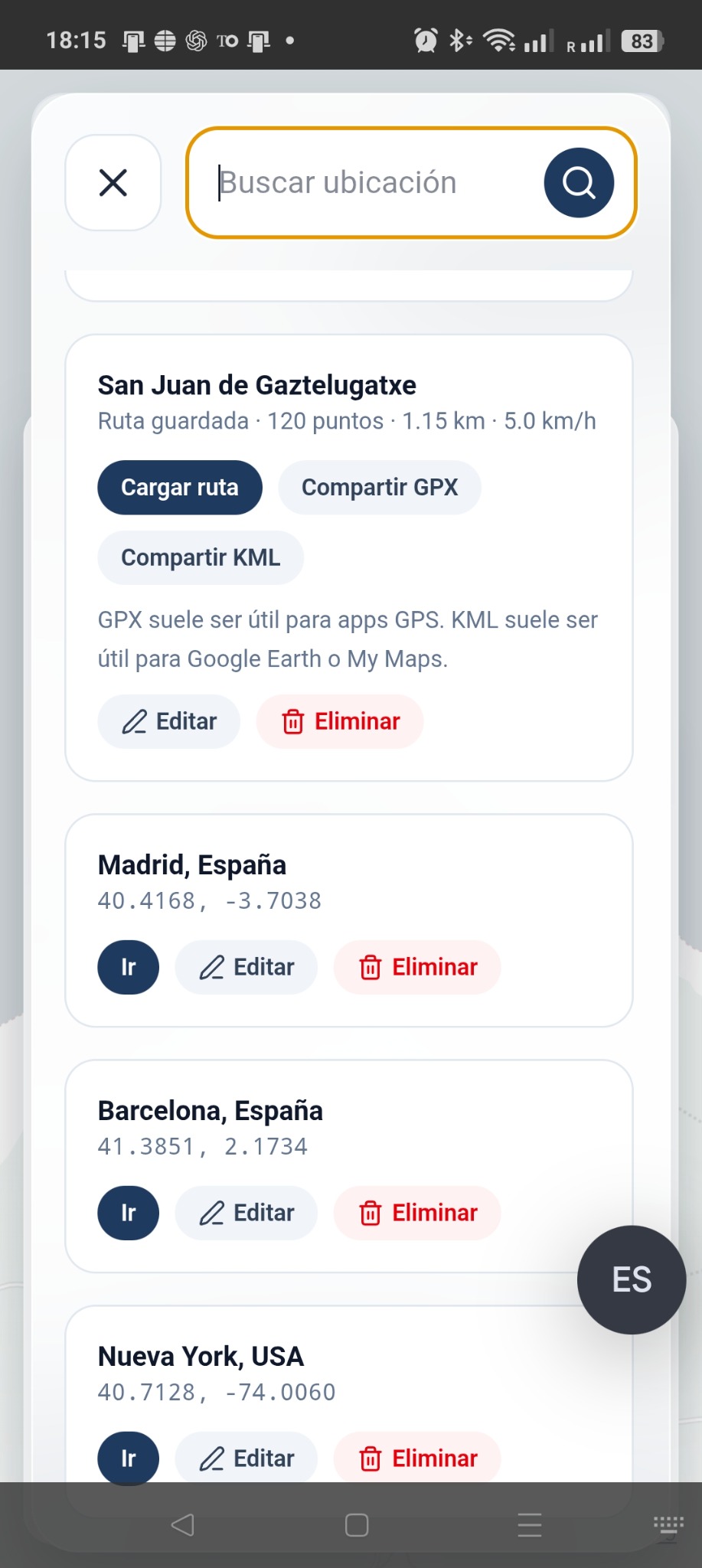
Keep locations or routes so you can reuse them without rebuilding the scenario every time.
Free + Premium model
The free version is designed to let you discover the real value of GPSwitch. Premium is intended for frequent use, higher capacity and advanced features. The final commercial structure will be activated after testing.
Mock location and routes with enough usage to test the product in real conditions.
More capacity, fewer limits and advanced features for people who need to create and run scenarios frequently.
Initial setup
This is a phone setting, not an internal GPSwitch setting. The exact menu name may vary by manufacturer and Android version.
Enable Developer options.
Do this from your Android device Settings.
Select GPSwitch as the mock location app.
Fully close GPSwitch and open it again.
This step is important for simulation to work correctly after selection.
Allow notifications when Android asks.
This helps the simulation service display its status correctly.
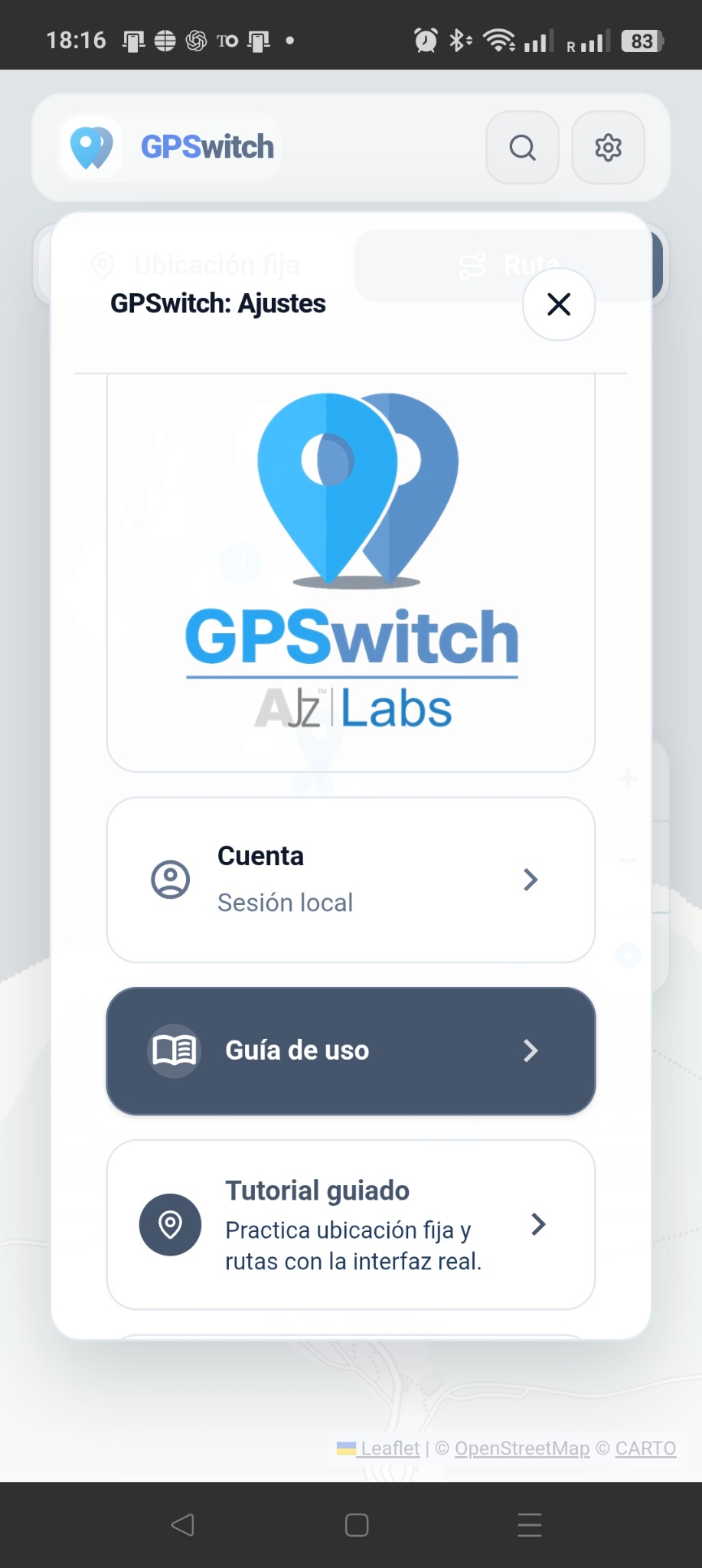
Privacy and control
Mock-location simulation runs on the device. You decide when to start and stop it, and GPSwitch does not need advertising to fund its use.
Read privacy policy →GPSwitch guides
GPSwitch for Android · mock location and GPS routes · no ads. Ever.